School setup
Manage sessions, terms, levels, classes, sections, subjects, departments, administrators, and permissions locally.

Run student administration, school setup, examinations, results, report cards, and reporting from a dependable local workspace, then synchronize with your online school when connectivity is available.
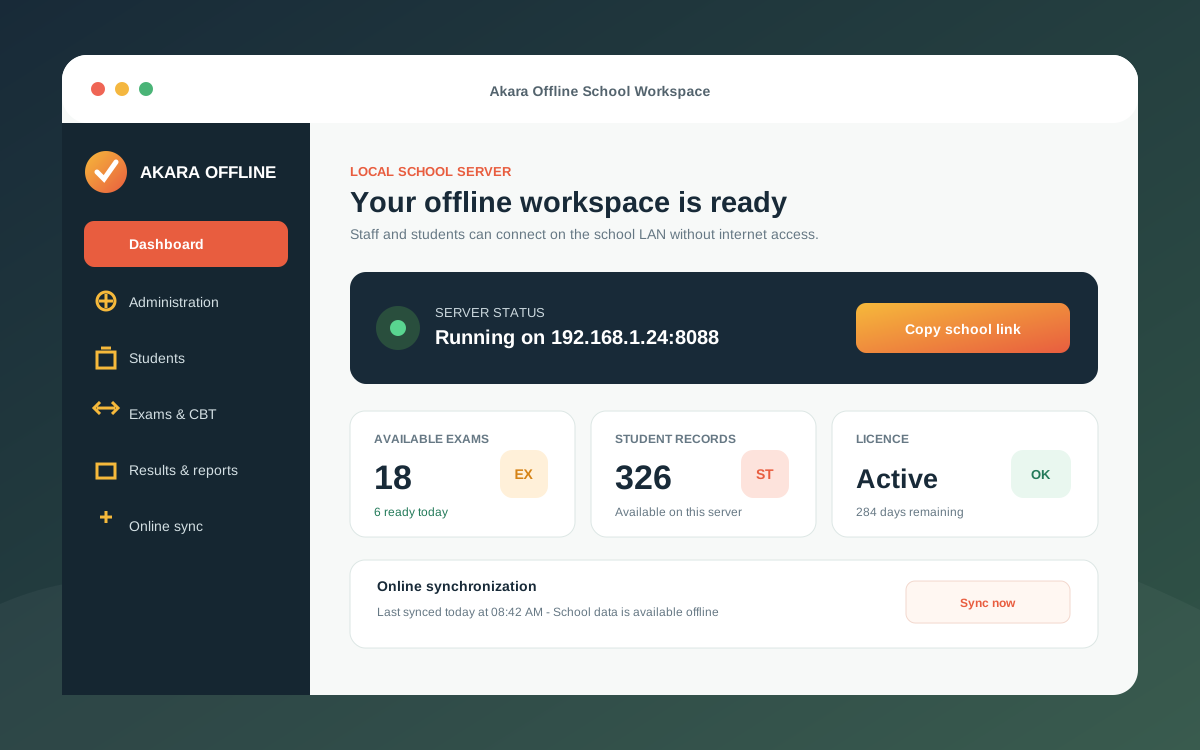
Install it on the school computer. Staff and students can then connect from computers, Chromebooks, and phones on the same local network.
Akara Offline brings the daily tools administrators and examination teams need into one locally available system.
Manage sessions, terms, levels, classes, sections, subjects, departments, administrators, and permissions locally.
Register students, import records, process applicants, group classes, promote learners, and print student ID cards.
Prepare and deliver CBT assessments from one Windows server to computers, Chromebooks, and phones on the school network.
Manage scores, attendance, comments, affective domains, report cards, result PINs, and class result printing.
Compare student reports and review multiple assessment, single assessment, and student profile reports.
Pull approved school data and send offline-created exams, attempts, and completed results back online when connectivity returns.
The installed computer holds the offline workspace and serves approved users over the school LAN. Administrators retain a familiar dashboard while learners get a focused portal for assessments.
Offline operation does not need to become a separate data island. Schools can pull approved setup and academic records, prepare assessments locally, and send mapped exams and completed attempts back to the online school.
Set up Akara Offline on a Windows computer that becomes the school LAN server.
Use the school access code to activate a time-based licence and store its expiry locally.
Staff and students open the local address from supported devices on the same network.
Exchange selected school, exam, and result data with the online platform whenever internet is available.
Choose Akara Offline for resilient administration, examination delivery, results, and reporting on your own school network.